
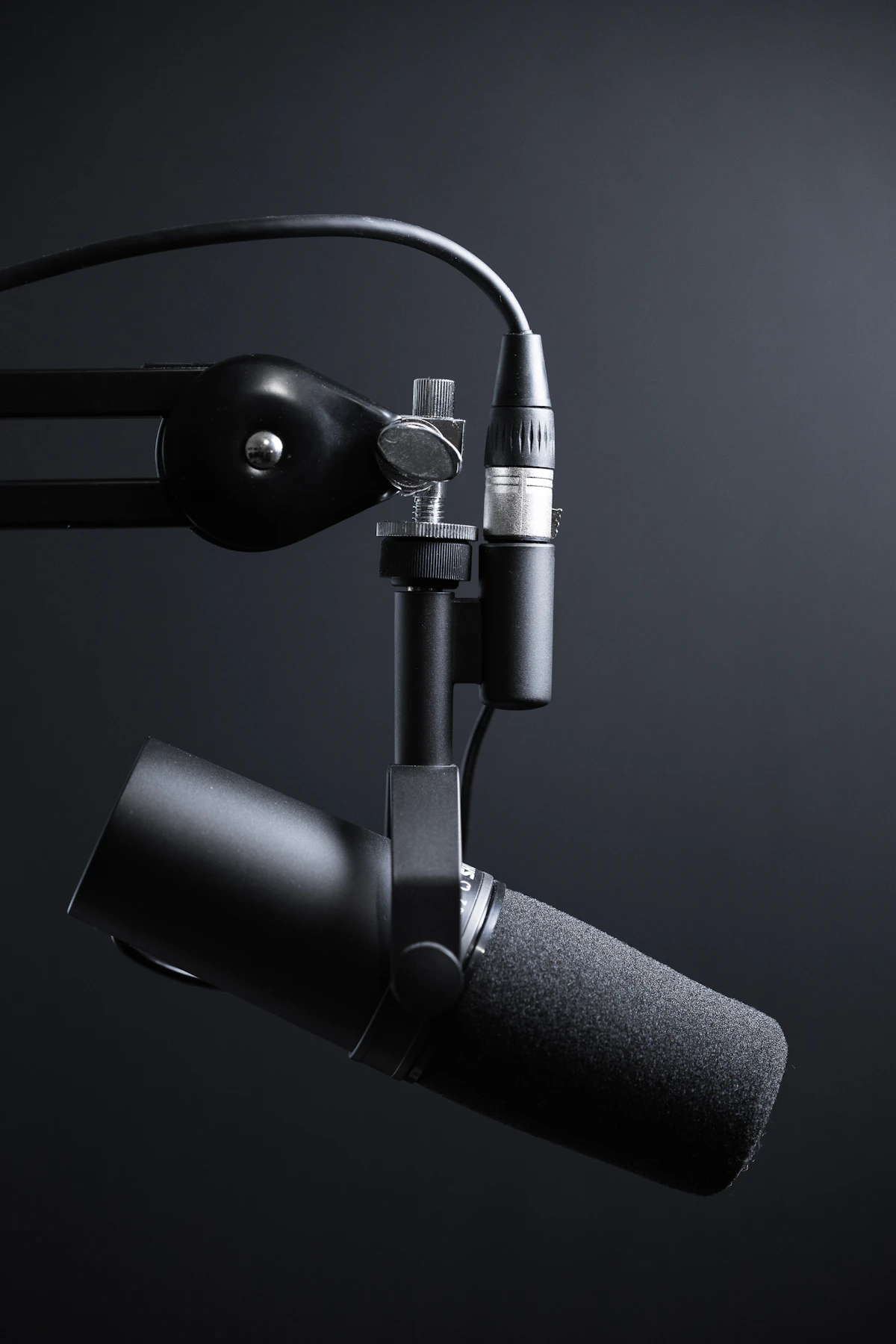
Why Phone & USB Microphone Recordings Have Static Noise
Whether you are recording a podcast episode, capturing a lecture, or filming a YouTube voiceover, background static noise ruins listener retention faster than almost any other flaw. Studies in digital media perception reveal that listeners tolerate standard-definition video far longer than they tolerate hissy, echoey, or inconsistent audio.
Microphone background noise stems from four distinct physical sources:
- Thermal Preamp Hiss (Johnson-Nyquist Noise): Cheap analog-to-digital converters in smartphones and budget USB microphones introduce continuous high-frequency white noise (between 4 kHz and 16 kHz).
- Mains Electrical Hum (50Hz / 60Hz Ground Loop): Poorly shielded cables and household AC power lines leak low-frequency electromagnetic hum into condenser mic capsules.
- Continuous Acoustic Ambience: Computer cooling fans, refrigerator compressors, and room air conditioning units create broad acoustic noise floors between 100 Hz and 800 Hz.
- Room Flutter Echo & Reverberation: Hard tiled floors, glass windows, and bare drywall reflect vocal waveforms, creating a hollow, distant sound.
Audio Noise Types & Filter Solutions
Understanding the frequency spectrum of your unwanted sound is key to applying the correct digital signal processing (DSP) filters:
| Noise Type | Frequency Spectrum | Common Causes | Recommended DSP Technique | Distortion Risk |
| :--- | :--- | :--- | :--- | :--- |
| Mains AC Hum | 50 Hz or 60 Hz (+ harmonics at 120Hz/180Hz) | Unshielded cables, ground loops | Steep Notch Filter (Q factor > 15) | Extremely Low |
| Preamplifier Hiss | 4,000 Hz – 18,000 Hz | Cheap USB audio sound cards | High-Frequency Spectral Gate | Low (if ratio < 12dB) |
| Fan / Air Conditioner | 120 Hz – 1,200 Hz | Desktop GPU fans, HVAC vents | FFT Spectral Subtraction | Medium (Phase artifacts) |
| Vocal Plosives (P & B pops)| 20 Hz – 80 Hz | Air hitting mic diaphragm | High-Pass Filter (Butterworth 80Hz) | None for voice |
| Room Boxiness | 250 Hz – 500 Hz | Small untreated rooms | Parametric EQ Cut (-3dB to -5dB) | Low |
How In-Browser AI Spectral Subtraction Works
Traditional desktop audio software like Audacity requires you to manually highlight an empty 2-second "noise profile" before processing. Modern WebAudio DSP algorithms eliminate this tedious step through real-time statistical spectral subtraction:
- Fast Fourier Transform (FFT): The incoming audio PCM buffer is sliced into 2048-sample overlapping frames and converted from the time domain into frequency bin representations.
- Stationary Noise Floor Profiling: The algorithm distinguishes between non-stationary transient speech signals (vocal phonemes like vowels and consonants) and stationary continuous energy (constant fan noise or electronic hiss).
- Spectral Gating & Phase Reconstruction: Frequency bins that fall below the calculated dynamic noise threshold are attenuated, while retaining speech formant frequencies. Inverse FFT then reconstructs pristine time-domain waveform chunks without robotic "underwater" phase distortion.
Step-by-Step Guide: Cleaning Audio with Zero Cloud Uploads
Follow these three steps using the free AI Studio Voice & Audio Noise Cleaner:
Step 1: Import Your Raw Audio File
Drag and drop your audio recording (MP3, WAV, M4A, FLAC, or OGG). Because the tool operates entirely in your browser using WebAudio and WebAssembly, a 100MB 1-hour audio file loads in under 2 seconds without consuming internet bandwidth.
Step 2: Configure Your DSP Enhancement Chain
Noise Reduction Level: For typical room recordings, set the slider to 70% - 80%. Setting it above 92% can cause subtle robotic artifacts on quiet whispers.
Enable 60Hz/50Hz De-Hum: Instantly clips electrical grounding hum without touching deep male chest voices.
Enable Dynamic Studio Compressor: Automatically balances loud shouting and quiet whispers, creating a rich radio broadcaster tone.
High-Pass Rumble Filter (80Hz): Filters out microphone stand thumps and traffic vibration.
Step 3: Preview & Export Lossless WAV Master
Click the interactive wave player to A/B test before and after audio. Once satisfied, click Download Clean Master to save a studio-grade 24-bit 48kHz WAV or high-bitrate MP3.
Audio Restoration Checklist
- [ ] Isolate microphone from vibrating desks using a boom arm or shock mount
- [ ] Keep mouth 4 to 6 inches away from the mic with a dual-layer pop filter
- [ ] Apply an 80Hz high-pass filter to remove subsonic footstep and traffic rumble
- [ ] Run automated spectral noise reduction at 75% intensity
- [ ] Normalize peak levels to -1.0 dBFS to prevent digital clipping across streaming apps
- [ ] Verify clean audio playback on both smartphone speakers and closed-back headphones
Frequently Asked Questions (FAQ)
Does noise reduction degrade voice quality?
Excessive noise reduction (above 90% spectral cut) can strip away natural vocal harmonics and sound "tinny" or "underwater". The sweet spot for spoken voice is between 65% and 80% reduction, combined with a gentle parametric high-shelf boost (+1.5 dB at 10 kHz) to restore vocal air and presence.
Is my audio uploaded to a remote server?
No. OmniTools utilizes client-side WebAudio API and WebAssembly compiled binaries that execute locally inside your browser memory. Your voice recordings never touch any third-party cloud server or API, ensuring complete legal privacy for confidential legal, medical, or corporate meetings.
Can this tool remove background music from a voice track?
Yes! Our AI vocal isolation algorithm separates harmonic speech formants from polyphonic music accompaniment, allowing you to extract clean acapella voice tracks or clean speech from noisy background cafe chatter.